Ultra HD Streaming
Enjoy crisp 4K, FHD, and HD quality options when supported by your internet connection, device, and selected app. The platform is shaped for smooth browsing, quick channel loading, and a polished home entertainment feel.
Premium IPTV Canada
DreamIPTV gives Canadian households a smooth way to request IPTV Canada access for everyday entertainment, sports nights, movie browsing, and multi-device viewing. Choose the connection count that matches your home, receive activation details quickly, and stream on popular apps across Smart TVs, Fire TV devices, Android boxes, tablets, phones, and more.

Streaming Quality
DreamIPTV focuses on a clean viewing flow: stable access, flexible device options, clear plan choices, and practical help when you need setup direction.
Enjoy crisp 4K, FHD, and HD quality options when supported by your internet connection, device, and selected app. The platform is shaped for smooth browsing, quick channel loading, and a polished home entertainment feel.
After your request is reviewed, activation details are prepared digitally so you can move from plan selection to app setup without a complicated appointment or hardware visit.
Choose a single-device plan for simple viewing or expand to several connections when your household streams across multiple rooms, phones, tablets, and Smart TVs.
DreamIPTV keeps support practical and setup-focused, with guidance for app installation, playlist entry, device compatibility, and common streaming questions.
Flexible Pricing
Pick an IPTV subscription Canada option based on how many screens need access. A single viewer may only need one connection, while families often prefer IPTV multiple devices support so streaming stays organized across the home.
$19.99 CAD
$29.99 CAD
$49.99 CAD
$79.99 CAD
Buying Guide
Good IPTV Canada planning starts with your household. Think about how many people watch at the same time, which devices are already in your home, and whether you prefer sports, international channels, movie browsing, or a balanced entertainment library.
A strong IPTV subscription Canada experience should feel clear before purchase and practical after activation. Look for transparent pricing, realistic device compatibility, app guidance, and a support process that helps you enter credentials correctly. DreamIPTV keeps the request path simple while still giving users room to choose short or long access periods, one connection or a larger IPTV multi connection setup, and the device ecosystem that fits their home.
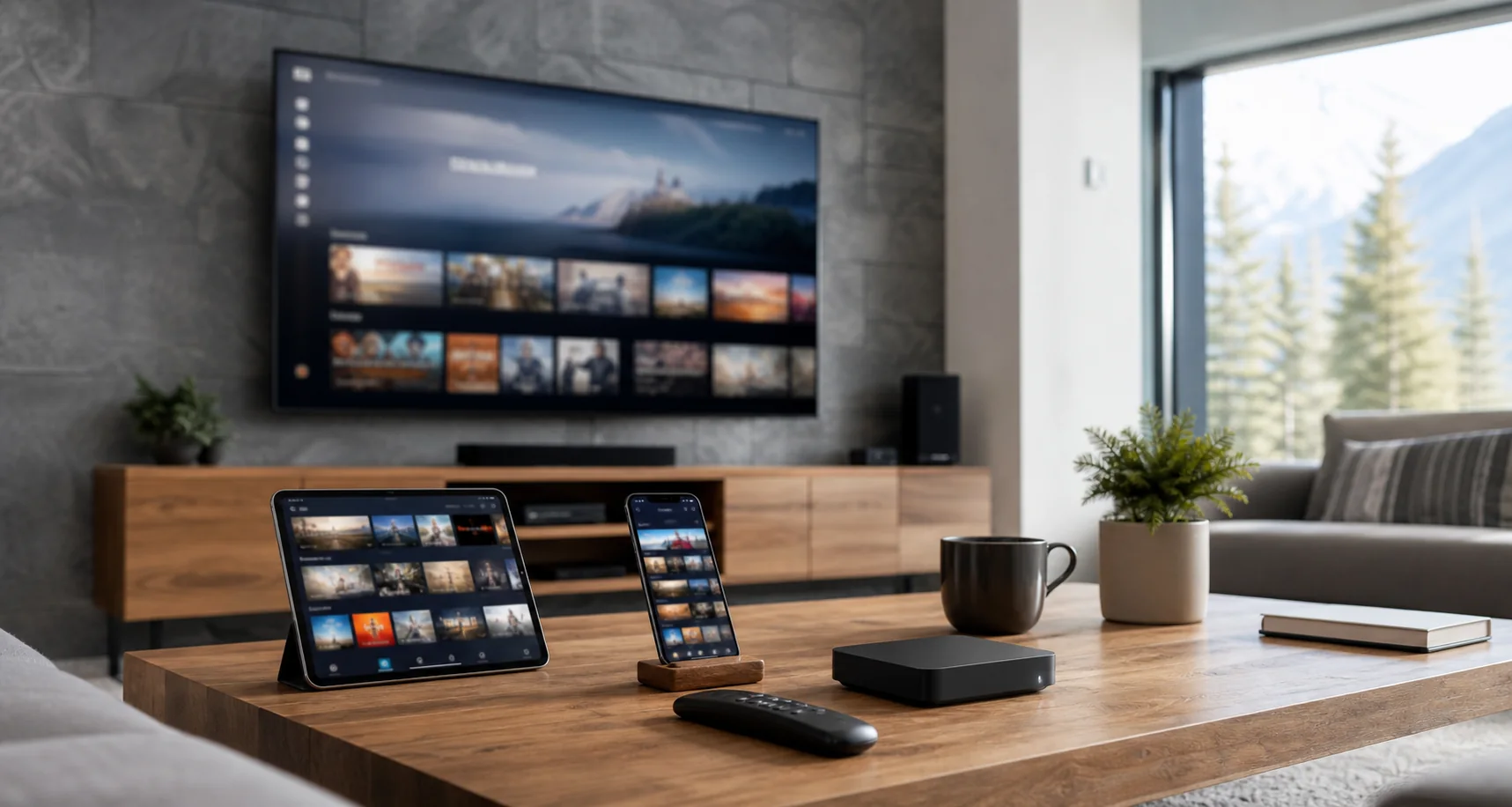
IPTV multiple devices access is useful when different people want different screens at the same time. A household may use a Smart TV in the living room, Fire TV in a bedroom, Android TV in the basement, and mobile viewing on a tablet. Choosing the correct connection count prevents avoidable interruptions and gives each viewer a cleaner streaming routine.
Compare IPTV plans by duration, connection count, app support, activation speed, and the quality of setup help. The lowest price is not always the strongest value if the plan does not match your devices. DreamIPTV presents each package clearly so Canadian viewers can match budget, viewing habits, and multi-connection needs without digging through confusing plan language.
Installation
DreamIPTV helps you understand which app to install, where to enter access details, and how to prepare your device before streaming. The guidance is designed for everyday users, not only technical viewers.
If your app needs a refresh, your playlist needs to be re-entered, or your internet settings need review, support can help you work through common IPTV setup steps calmly and clearly.
Device Guide
These steps cover the typical flow. Exact names can vary by app version, but the process usually takes only a few minutes once your activation details are ready.
These steps cover the typical flow. Exact names can vary by app version, but the process usually takes only a few minutes once your activation details are ready.
These steps cover the typical flow. Exact names can vary by app version, but the process usually takes only a few minutes once your activation details are ready.
These steps cover the typical flow. Exact names can vary by app version, but the process usually takes only a few minutes once your activation details are ready.
These steps cover the typical flow. Exact names can vary by app version, but the process usually takes only a few minutes once your activation details are ready.
Apps
Comparison
IPTV can fit viewers who prefer app-based entertainment on devices they already own, with access that can travel across compatible screens.
Instead of depending on one fixed box, multi-connection plans can support separate viewing routines when the household needs more than one stream.
A digital IPTV library can organize live TV, movies, series, international content, sports, and catch-up features in one app-based experience.
Activation is handled digitally, so users can request access, receive details, install a compatible app, and begin setup without waiting for hardware installation.
Request a lightweight 24 hour trial to check app setup and streaming comfort before selecting a longer subscription.
Review All PlansHow It Works
Select duration and device count based on your home.
Submit the correct plan, phone, and email in the plan popup.
Receive setup information and follow the installation guidance.
Compatibility
Fire TV and Smart TV apps are usually the most straightforward path for viewers who want IPTV Canada access on the main living room screen.
Android TV boxes and NVIDIA Shield devices offer more app choice, stronger settings control, and a flexible streaming workflow.
Multi-connection plans work best when several viewers need separate screens during the same evening.
Phones and tablets are practical for travel, quick viewing, and testing credentials before loading a Smart TV app.
Education
IPTV means television delivered through an internet-connected app instead of a traditional fixed broadcast setup. For many Canadian homes, the appeal is flexibility: one platform can bring live channels, movies, series, sports, culture, and international viewing into devices people already use every day.
Canada Coverage
DreamIPTV supports requests from viewers in Toronto, Montreal, Vancouver, Calgary, Ottawa, Edmonton, Winnipeg, Quebec City, Mississauga, Brampton, Hamilton, London, Halifax, Victoria, and Saskatoon.
Feedback
"The setup guidance made my Fire Stick activation simple, and the device tabs helped me choose the correct plan."
"I needed two connections for the family room and bedroom. DreamIPTV made the price and request process clear."
"Support answered my app question quickly, and the long plan option felt like the strongest value for our home."
Reseller Access
DreamIPTV reseller access is designed for digital entrepreneurs who want IPTV reseller Canada options, credit-based planning, beginner guidance, and scalable package choices. Start with a manageable credit bundle, understand customer demand, and grow with a clearer operational flow.
$349.99 CAD
A practical starter package for new resellers validating local demand.
$649.99 CAD
A growth package for steady customer onboarding and repeat activations.
$1,199.99 CAD
A scaling package for reseller teams with broader sales activity.
FAQ
IPTV technology itself can be legal when it is used to access properly licensed content and lawful streams. Users should always review provider information, local requirements, and the source of any content they access. DreamIPTV keeps legal language cautious and does not claim ownership of third-party channels, movies, shows, logos, or broadcasts.
Look for clear pricing, realistic compatibility guidance, responsive support, transparent plan options, and a request process that explains device counts properly. A good provider should help you choose based on your home setup instead of pushing one plan for every viewer.
DreamIPTV monthly access starts at $19.99 CAD for 1 device and increases by selected connection count. Longer plans can reduce the average monthly cost, especially for households choosing multiple devices or a 12 month package.
IPTV can be a flexible option for viewers who prefer app-based streaming, multi-device access, and a large entertainment library. The best choice depends on internet quality, device compatibility, content expectations, and whether you are comfortable using IPTV apps.
IPTV streams television-style content through an internet connection and a compatible app. After activation, users enter account details or a playlist into the app, refresh the channel list, and stream through the selected device.
Yes, if you select a multi-device plan. A 1 device plan is intended for one active connection, while 2 to 6 device plans support larger households that need more simultaneous access.
Multi-connection IPTV means the subscription is configured for more than one active device connection. This helps families stream on separate screens without forcing everyone into the same room or device.
Yes, Fire Stick is a popular option for IPTV setup. Users typically install a compatible IPTV player, enter the activation details provided after request review, and refresh the app to load channels and guide information.
Many Smart TVs support IPTV apps through their app stores. Compatibility varies by brand, model, region, and app availability, so support may ask for your TV type before recommending the easiest setup path.
The best app depends on your device and login format. Popular choices include IPTV Smarters Pro, TiviMate, Smart IPTV, IBO Player, SET IPTV, and VLC for certain playlist workflows.
Yes, Android TV devices usually provide strong IPTV app compatibility. They are useful for users who want more app choices, settings control, and a flexible home streaming workflow.
Yes, iPhone and iPad users can use compatible IPTV apps from the App Store. Mobile viewing is helpful for testing credentials, watching on the go, or adding a portable screen to a multi-device plan.
DreamIPTV highlights a broad movies and series library alongside live TV categories. Availability can change as content is refreshed, and users should understand that DreamIPTV does not claim ownership of third-party titles.
Many requests can be processed quickly, but timing can depend on order details, payment confirmation, support volume, and whether additional device information is needed. DreamIPTV aims for fast digital activation.
Stable internet matters more than headline speed alone. As a general guideline, HD streams often need a steady connection, while 4K viewing requires stronger bandwidth, clean Wi-Fi, and a capable device.
Yes, users can request a move from a single-device plan to a multi-device configuration. Support can clarify pricing differences and help choose the connection count that matches your household.
DreamIPTV provides setup-focused guidance for common devices and apps. Support can help with app selection, credential entry, playlist refresh steps, and basic troubleshooting after activation.
Yes, DreamIPTV includes reseller credit packages for people exploring IPTV reseller Canada opportunities. Reseller requests use a separate popup and credit-based packages instead of household device plans.
Restart the app, check your internet connection, refresh the playlist or EPG, and confirm credentials were not changed. If the issue continues, contact support with device name, app name, and a short description.
IPTV may work while travelling when your app, internet connection, and access details function in that location. Availability can depend on network restrictions, app settings, and the device you bring with you.
DMCA Notice
DreamIPTV respects intellectual property rights and responds to properly submitted copyright concerns in a professional manner. The website does not claim ownership of third-party channels, sports broadcasts, movies, series, logos, or other protected content. If you believe a copyright matter requires review, please provide clear identification, contact details, and the specific concern so the request can be assessed responsibly.
Read DMCA Policy